
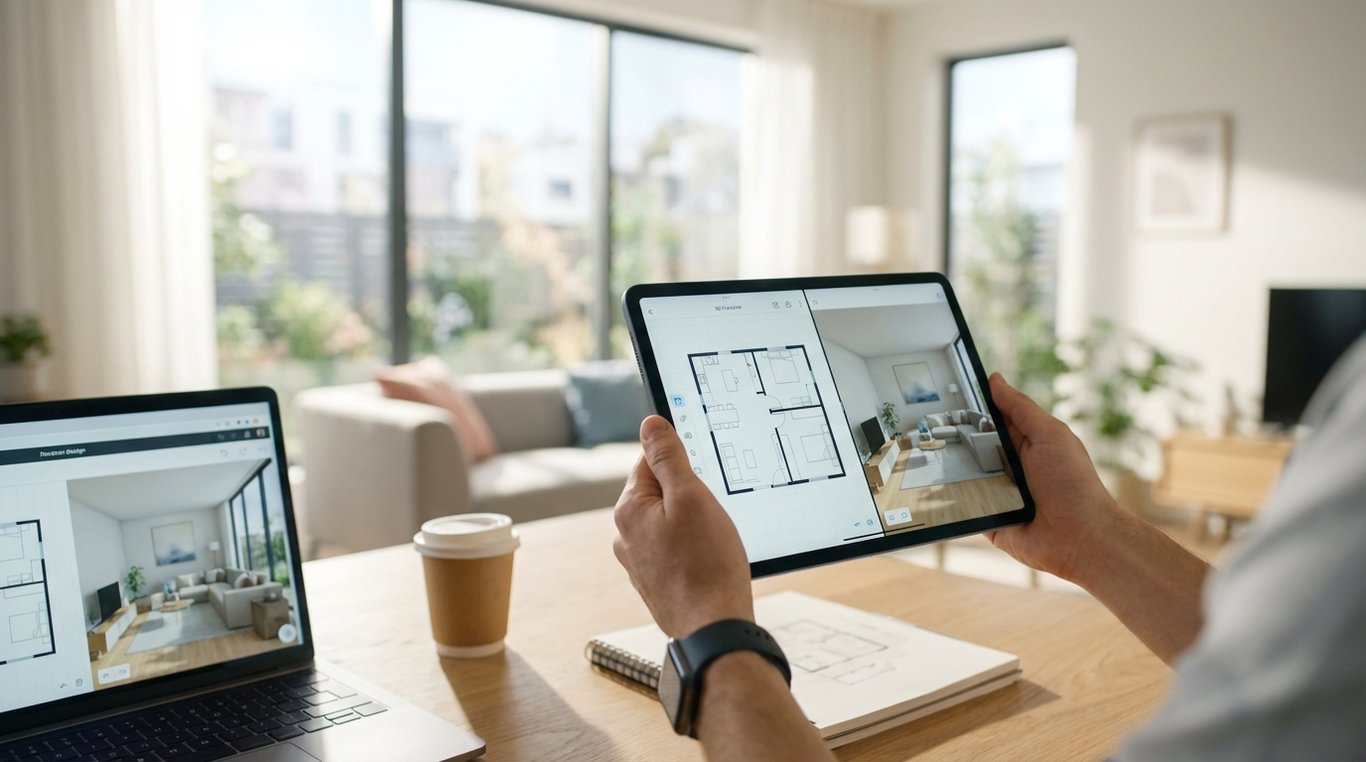

Choosing the best room planner app usually comes down to one practical question: do you need a fast way to test layout ideas, or do you need polished visuals you can actually share with clients, buyers, contractors, or listing teams? That distinction matters more than most comparison pages admit. Some tools are excellent for dragging out furniture in 2D and checking fit. Others are better at turning a rough room into a convincing 3D view. A few are genuinely useful in real estate because they produce clean exports, readable dimensions, and listing-friendly visuals without too much setup.
This guide focuses on room-planning tools specifically, not every design platform on the market. If you are a homeowner, renter, agent, stager, or marketer, the goal is to help you choose between speed, realism, export quality, and cost. We will look at where the best room planner apps shine, where a room planner app free tier becomes frustrating, and when a home room planner app is enough versus when you need broader design software.
If you want the short version before the deeper comparison: Floorplanner is often the easiest starting point, Planner 5D is strong for approachable 3D, Roomstyler remains useful for quick visual experimentation, and Cedreo or similar workflow-oriented tools make more sense when property marketing output matters more than casual planning.
What makes a best room planner app worth using?
A good room planner saves time before it saves money. That may sound backwards, but in practice the biggest advantage is reducing bad decisions early: buying furniture that will not fit, building a layout that blocks circulation, or publishing a marketing visual that looks attractive but does not match the room’s actual shape. The best tools let you get to a believable plan quickly, then refine only if needed.
Ease of use is the first filter. For most people, especially homeowners and agents, the right app is the one that gets you from blank canvas to usable layout in minutes. That means drag-and-drop placement, obvious wall editing, template rooms, and a low-friction measurement workflow. Many mobile-first tools look convenient at first, but room planning often becomes cramped on a phone once you need precise dimensions, door swings, or export settings. Tablets can work well for sketching, but desktop still tends to be better for final cleanup and sharing.
The second filter is whether you really need 2D, 3D, or both. A 2D plan is often enough for furniture fit, walkway clearance, and move-in planning. It is also easier to create accurately. A 3D view matters when other people need to buy into the idea: a spouse deciding on a room setup, a seller reviewing staging concepts, or a buyer trying to understand how a vacant room could function. For real estate workflows, 3D can increase clarity, but only if the render is quick to produce and not obviously generic.
Furniture libraries also matter more than the raw number of objects. A huge catalog sounds impressive, but what actually helps is a library with properly scaled common items: sectionals, beds, dining sets, rugs, desks, lamps, and storage pieces that resemble what people really shop for. Some apps lean heavily on branded products, which can be useful for homeowners furnishing a room. Others use more generic objects, which is often better for listing visuals because the result feels illustrative instead of tied to a specific retailer or style.
For many readers, the deciding factor is output. A room planner that looks good inside the app but exports low-resolution images, watermarked PDFs, or awkward screenshots is less useful than a simpler product with clean sharing. If you plan to use visuals in listing presentations, seller communications, brochures, or social content, look closely at whether the app exports PNG, PDF, print-ready floor plans, or shareable links. This is also where room-planning tools start to overlap with broader software. If your needs extend into renovation concepting or client-ready presentations, a wider comparison like Best Interior Design Apps 2026: Top Picks for AI, Staging, and Layouts becomes more relevant.
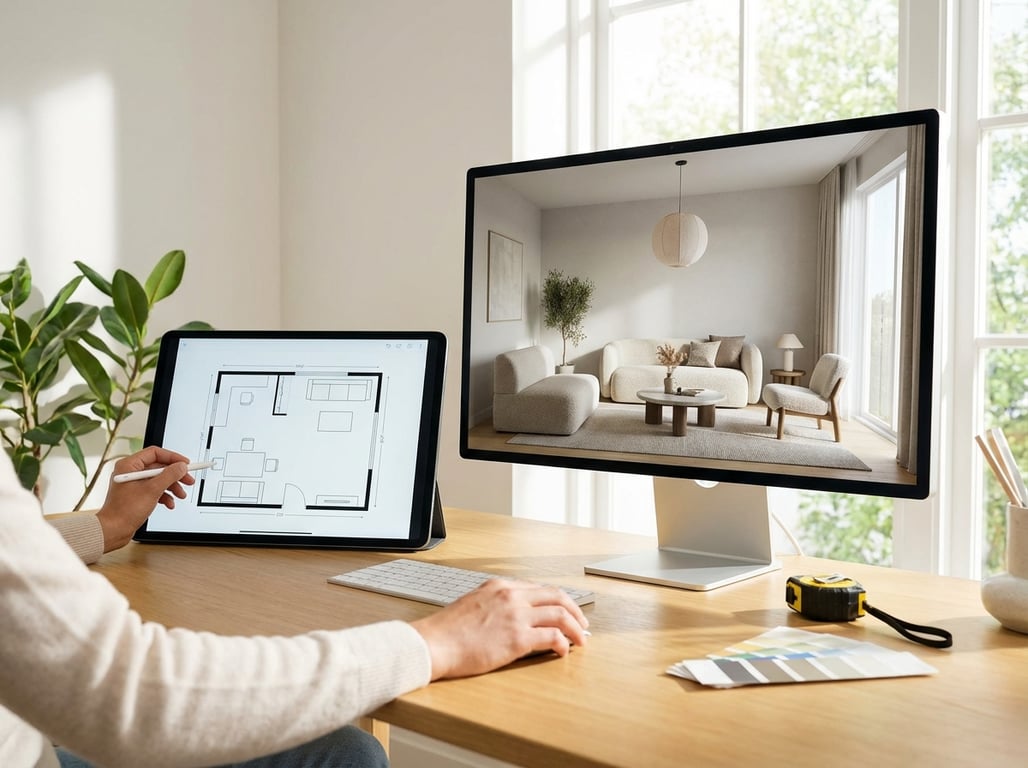
Best room planner apps compared
There is no single winner because “best” changes with the output you need. The best room planner app for a renter rearranging a studio is not the same as the best tool for an agent creating a listing handout or a marketer testing multiple furnished layouts for the same floor plan. The table below compares the apps most commonly considered for layout visualization and property-friendly room planning.
| App | Platforms | 2D/3D | Import/scan | Furniture library | Export formats & watermarking | Collaboration/sharing | Speed to first usable plan | Price/free limits | Best for |
|---|---|---|---|---|---|---|---|---|---|
| Floorplanner | Web, mobile | 2D + 3D | Manual input, some import options | Large generic library | Exports vary by tier; free plan is limited | Shareable links, team-friendly | Fast | Free tier exists, paid for better exports/features | Beginners, agents needing clear layouts |
| Planner 5D | Web, iOS, Android | 2D + 3D | Manual input, some AI/scan features by plan | Broad consumer-friendly library | Free use is limited; higher quality exports often paid | Easy sharing, household collaboration | Fast to moderate | Freemium | Homeowners wanting an accessible home room planner app |
| Roomstyler | Web | Primarily 3D-oriented planning | Manual setup | Good decor-focused library | Export quality and workflow can feel dated depending on use | Basic sharing | Moderate | Free entry point | Style experimentation and quick concept visuals |
| Homestyler | Web, mobile | 2D + 3D | Some import/AI-assisted options | Strong decor library | Free tier often restricted by render/export quotas | Cloud-based sharing | Moderate | Freemium | More visual users who want realistic room scenes |
| Cedreo | Web | 2D + 3D | Manual plan creation, workflow tools | Suitable for housing and property visuals | Better business-grade exports, usually no casual free tier | Team workflow oriented | Fast once templated | Paid | Real estate marketing workflows and repeatable outputs |
| Magicplan | Mobile, web | 2D with some visualization | Mobile capture/scan features | Utility-oriented rather than decor-heavy | Good for plans/reports, less design-polish focused | Easy field sharing | Very fast on-site | Freemium/paid | Agents, contractors, and measure-first planning |
A few patterns stand out. First, “free” often means you can build a room but not export it in a useful way. Second, realistic visuals usually cost more in either time or money. Third, apps that feel slightly less glamorous in the interface can be better for business because they produce cleaner, more repeatable documents.
Best for beginners
For pure ease of use, Floorplanner is often the safest recommendation. Its workflow is intuitive, the distinction between drawing walls and furnishing a room is clear, and it handles the common beginner task well: “I know the room size, now help me see what fits.” For agents and homeowners alike, it strikes a good balance between layout speed and output quality. It also avoids one of the biggest beginner traps, which is overcommitting to photorealism before the layout is right.
Best free option
The best room planner app free choice depends on whether you want 2D accuracy or 3D mood. If your priority is a usable floor plan, Floorplanner’s free entry level is usually more practical. If your priority is visual experimentation and you can tolerate export limits, Roomstyler or Homestyler may feel more rewarding. The catch is that a room planner app free tier often hides the real value behind watermarked renders, low resolution, or capped projects. Free is most useful for testing the interface before you commit, not for finishing a high-stakes deliverable.
Best for realistic visuals
If you want a room to look convincingly furnished in 3D, Planner 5D and Homestyler tend to be stronger choices than bare-bones planning tools. Their strength is not just rendering; it is helping non-designers bridge the gap between a technical layout and an emotionally understandable room. This matters in seller presentations and marketing mockups. The tradeoff is that these tools can tempt users to spend too much time styling accessories while ignoring measurement precision.
Best for real estate marketing workflows
For real estate use, the best tool is usually the one with the least friction between planning and output. Cedreo stands out for teams that need repeatable templates, polished floor plans, and dependable exports. Magicplan can also be valuable when the process begins in the field and speed matters more than decor polish. In other words, agents and marketers should not just ask, “Which app looks best?” but “Which app gets from room measurement to shareable asset fastest?”
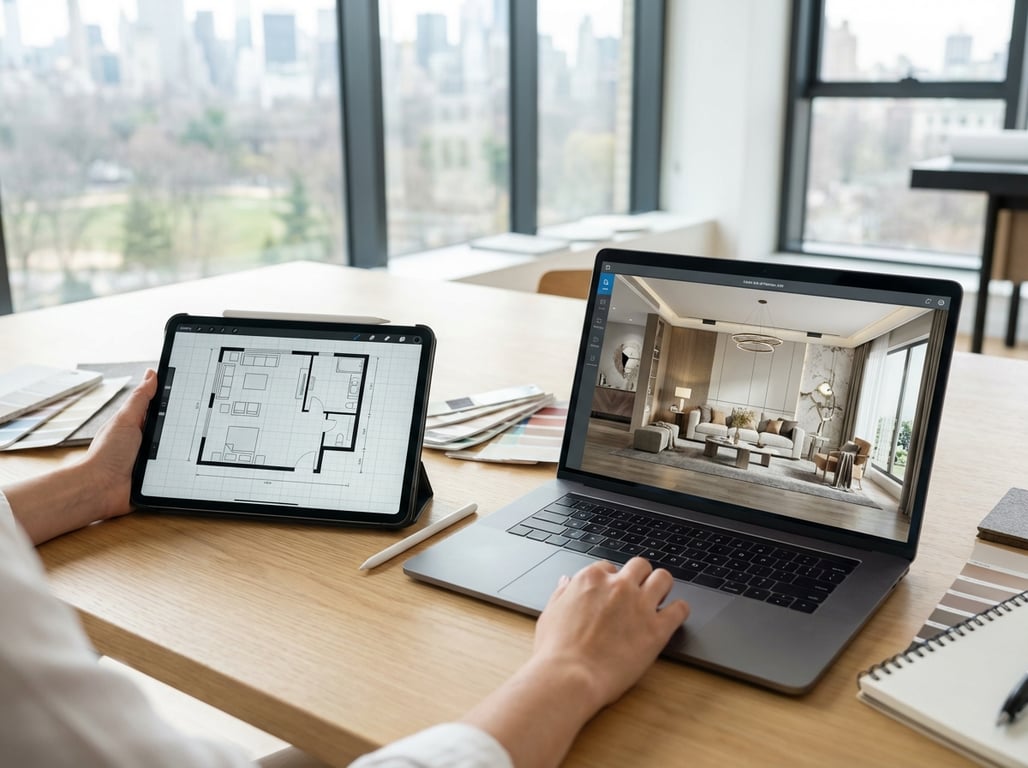
Room planner app vs full interior design app
A room planner app is primarily about layout. It helps you define walls, place furniture, test circulation, and create a visual representation of how a room could function. That is often enough when the problem is practical: will a king bed fit, can the dining table seat six, does the sofa block the patio door, or what is the best use of a flex room?
That limited scope is exactly why room planners are so useful. They reduce the number of choices and keep attention on dimensions, placement, and communication. For a homeowner planning one room, or an agent trying to show buyers that an awkward space can serve as an office or nursery, a focused planner is often the better tool. It is faster, easier to learn, and less likely to overwhelm.
You need broader design software when the project extends beyond room layout into renovation concepts, finishes, materials, cabinetry, lighting studies, multi-room coordination, or client presentations with a higher expectation of realism and polish. At that point, a room planner becomes a starting point rather than the full solution. Real estate teams with more complex needs should also look at workflow-centered options such as Computer Software for Home Design, especially when floor plans, conceptual visuals, and marketing safety all need to work together.
A simple test helps: if your decision depends mostly on “where does the furniture go?” use a room planner. If it depends on “what exactly will this remodel or redesign look like across the whole home?” move up to a fuller interior design platform.
How to choose the right app for your use case
Homeowners should start with a measure-first workflow. Before comparing visual styles, enter accurate wall lengths, window positions, door swings, and major fixed elements. Once those basics are right, the app should help with furniture scale, not just aesthetics. In this case, the best room planner app is the one that makes measuring feel manageable and lets you export something useful for shopping or contractor conversations. A good outcome is not a pretty image alone; it is a plan that prevents expensive mistakes.
Real estate agents need something slightly different. Listing-safe visuals depend on speed, consistency, and clarity. A tool that makes stunning renders but takes an hour per room is rarely practical for day-to-day listing work. Agents usually benefit most from apps that support repeatable room templates, clean floor plans, and easy team sharing. Buyers and sellers do not need every throw pillow modeled in 3D; they need to understand room function quickly. In many listing workflows, a simple furnished concept plan outperforms a hyper-styled render because it is easier to trust.
Stagers and marketers sit between those two worlds. They need visuals that feel polished enough for presentation, but fast enough for iteration. One living room may need three versions: family-friendly, luxury-leaning, and neutral contemporary. In that context, library quality, brand consistency, and export control matter as much as realism. The right app helps teams create multiple options without rebuilding the same room every time.
A simple way to decide is to match the app type to the output you need:
- If you need accurate furniture fit and traffic flow, choose a layout-first 2D or 2D/3D planner.
- If you need emotional buy-in from clients or sellers, choose a tool with stronger 3D room visualization.
- If you need listing documents or repeatable property assets, choose a workflow-oriented planner with reliable exports.
- If you need renovation storytelling across multiple rooms, move beyond room planners into broader design software.
Common limitations to watch for in a room planner app free or paid tier
The biggest frustration with best room planner apps is not usually the interface. It is discovering the limits after you have already built the room. Watermarks, export caps, low-resolution images, locked object libraries, or account requirements can turn a promising tool into wasted time. This is especially common with room planner app free plans. Before investing effort, verify what you can actually download, at what quality, and whether dimensions remain visible in the final output.
Accuracy is another common misunderstanding. Room planners can be very useful without being precise enough for every claim. Manual measurement entry is only as good as the measuring process. AR and scan-based tools are convenient, but they still introduce tolerances, especially around corners, ceiling irregularities, and openings. For listings, these apps are usually good for conceptual and illustrative visuals, not for promising exact dimensions without verification. If a floor plan or staged mockup will influence a buyer’s expectations, confirm critical measurements separately.
AI-assisted layouts are improving, but they still need supervision. AI can help by generating a starting arrangement, suggesting furniture categories, or speeding up a concept view. It is less reliable when room geometry is awkward or when exact clearances matter. Door swings, traffic paths, scale relationships, and odd built-ins are where AI often makes plausible-looking mistakes. In real estate, that means an AI-generated room may appear functional while quietly placing a sofa where a buyer would actually need a walkway.
The practical rule is simple: use automation to speed up ideation, then manually verify anything that affects purchases, marketing, or representation. A beautiful room image is not useful if it creates the wrong impression of size or usability. For teams deciding whether to stay with a planner or move into a broader stack, App for Interior Design: What Real Estate Teams Should Look for in 2026 gives a helpful framework for comparing workflow, realism, and speed. And if you are specifically considering Roomstyler, Roomstyler 3D Home Planner: What It's Best For is worth reading before you build a process around it.
FAQ
What is the best free room planner app?
For most users, the best free room planner app depends on the result you need. If you want a practical floor plan and fast layout testing, Floorplanner is often the most useful free starting point. If you want to experiment with 3D room looks, Roomstyler or Homestyler may feel more visually satisfying. The main caveat is that free tiers often limit exports, project count, image quality, or remove clean downloads behind a paid plan.
Are room planner apps accurate enough for listings?
They are usually accurate enough for conceptual visuals, furniture-fit demonstrations, and illustrative floor plans, but they should not replace verified measurements for listing claims. If dimensions matter legally or commercially, measure separately and treat app-generated outputs as visual aids. This is especially important when using scan features or AI-generated layouts.
Which room planner app is easiest for beginners?
For beginners, “easiest” means fastest to first usable layout, not most advanced. Floorplanner is often the easiest because it combines simple room drawing, understandable controls, and decent exports without forcing a steep learning curve. Planner 5D is also approachable, especially for users who care more about room appearance than technical floor-plan detail.
What is the difference between a room planner app and an interior design app?
A room planner app focuses on layout, dimensions, and furniture placement within a room or small set of rooms. An interior design app usually goes further into finishes, materials, lighting, style development, renovation concepts, and presentation quality. If your main question is fit and flow, a room planner is enough; if your main question is full design direction, upgrade to a broader platform.