
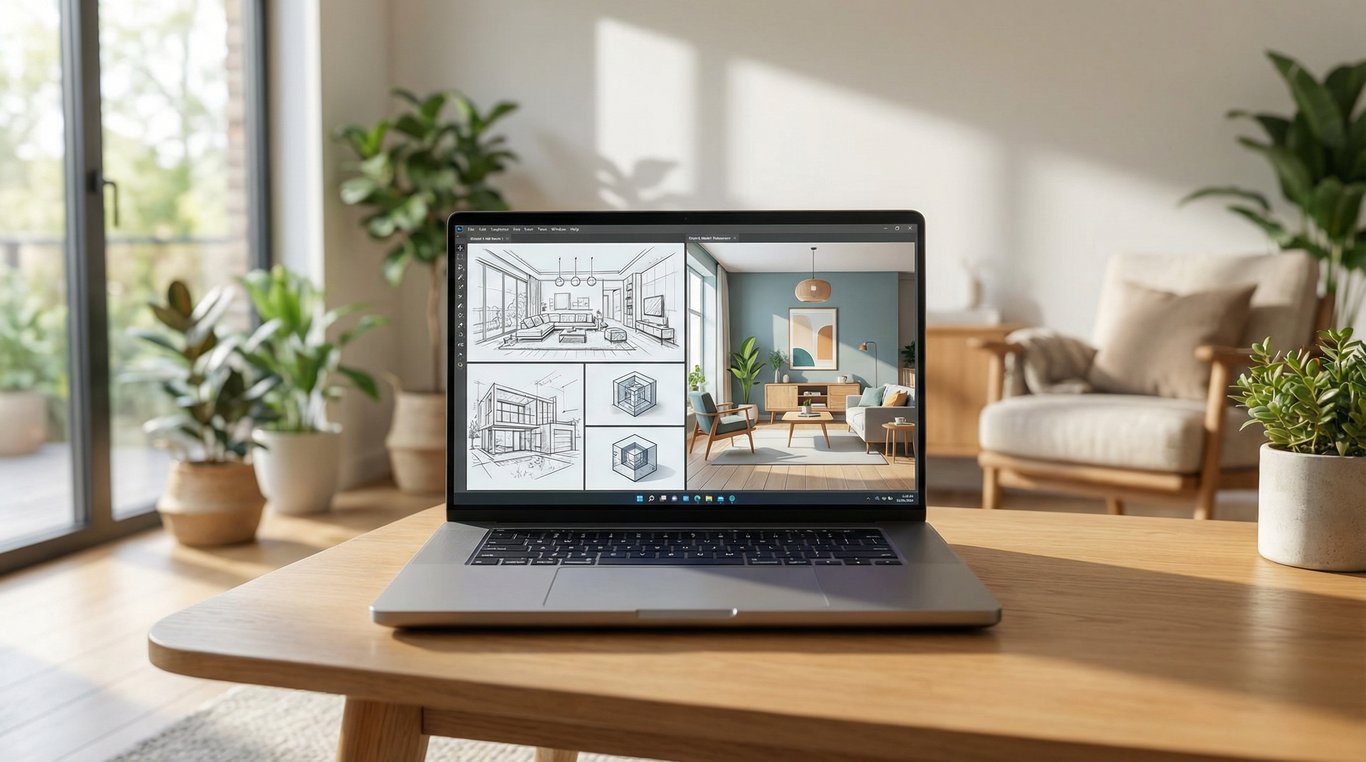

If you’re searching for ai room design free, you probably don’t want mood boards—you want listing-ready before/after images that look believable, keep the architecture intact, and export cleanly for MLS and portals.
The catch: “free” AI room design can mean anything from a limited trial, to a freemium room design planner, to watermark-only downloads. This guide compares options through a real-estate lens: photorealism on real photos, consistency across rooms, and compliance.
If you’re exploring a dedicated workflow for listing imagery, see this related guide on an AI decorating app for real estate photos.
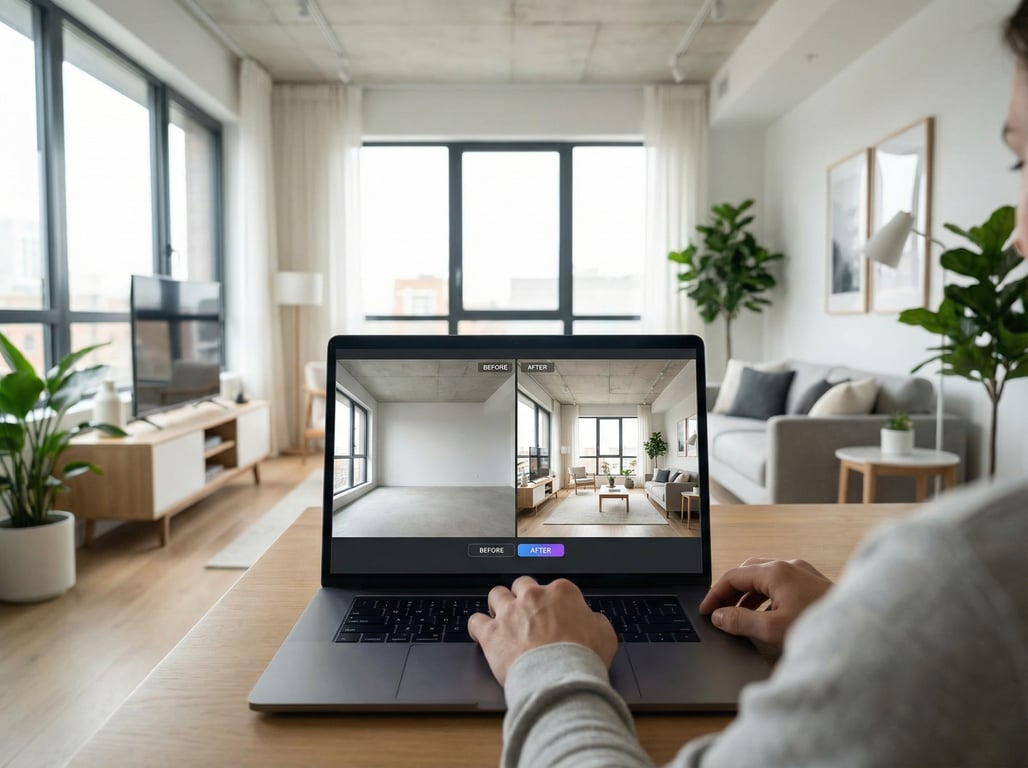
What “free AI room design” actually means (and common limitations)
Definition (quick): Free AI room design typically means you can generate or preview designs at no cost, but exports (higher resolution, no watermark, commercial use) may be limited. For real estate, the export rights and realism matter more than the number of styles.
Free trials vs freemium vs watermark-only exports
- Free trial: Full features for a short window or small number of renders. Best for one-off listings if you can batch your work.
- Freemium: Ongoing free use with caps (credits per day/week, fewer styles, lower resolution). Best for agents who do occasional refreshes.
- Watermark-only exports: You can design for free, but clean downloads require payment—often not usable for MLS.
Practical tip: before you invest time, generate one image and check whether the “download” is usable (resolution + no watermark + file format).
Commercial use rights for listing photos
For listing marketing, you’re effectively doing commercial use. Key items to check in any interior design app or AI room design tool:
- Whether commercial use is allowed on free plans or only on paid tiers
- Whether attribution is required
- Whether the terms restrict real estate advertising or “professional use”
If the tool’s terms aren’t clear, treat free output as “for testing only” and avoid publishing.
Photo realism vs “concept art” outputs
Many free tools are great at “inspiration” but weak on listing photos. Common symptoms:
- Over-smoothed textures (plastic floors, painted-looking cabinets)
- Warped verticals (leaning walls, bent window frames)
- “Floating” furniture or rugs that ignore perspective
- Lighting that doesn’t match the original scene
For real estate, you want photorealistic edits on your actual photo, not a reimagined render.
How to choose an AI room design tool for real estate (quick checklist)
Use this 6-point checklist to quickly filter any free room design planner or AI tool before you commit.
Photorealism on real photos (not stock renders)
Look for a workflow that starts with your listing photo (phone or DSLR) and produces an edit that preserves:
- Natural grain/texture
- Realistic shadows
- Material detail (wood, tile grout, stone patterns)
If a tool only works well on staged, catalog-like rooms, it may struggle on real listings.
Keep walls/windows/architecture consistent
The #1 listing risk is accidental “renovation” of permanent features:
- Moving windows/doors
- Changing ceiling height
- Altering fireplaces, built-ins, beams
Prefer tools that offer structure preservation or let you mask “do not change” areas.
Style control (modern, organic modern, staging-neutral)
Real-estate-friendly outputs are usually staging-neutral (broad appeal) rather than highly stylized. Helpful controls include:
- Style presets that are subtle (modern, contemporary, Scandinavian, organic modern)
- Ability to specify furniture “density” (light staging vs fully furnished)
- Color palette control (warm whites, natural woods, matte black accents)
For more on selecting an AI decorating app for real estate photos, focus on tools that keep the original photo’s lighting and geometry.
Empty room vs occupied room handling
- Empty rooms: You need believable furniture placement and scale.
- Occupied rooms: You need declutter + light restyle without creating visual artifacts (duplicated objects, melted decor).
If you regularly shoot occupied homes, prioritize tools with object removal/cleanup and strong inpainting.
Resolution/export requirements for MLS + portals
Before you pick a tool, confirm it can export:
- A clean JPG/PNG without watermark
- Enough resolution to look sharp on portals (at least “web-quality” and ideally higher)
- Consistent aspect ratios across the listing set
Even a great design becomes unusable if you can’t export a clean image.

9 free (or free-to-try) AI room design tools — pros/cons for listings
Below are commonly used categories and tools agents try for ai room design free workflows. Because free tiers change frequently, treat “free” as “free-to-try” unless you confirm current limits in the app.
Tool-by-tool mini reviews (best for: staging, renovation visualization, quick concepting)
- Virtual staging-first tools (AI staging apps)
- Best for: empty-room furnishing, light decor refresh
- Pros: often optimized for real listing photos
- Cons: occupied-room edits can be hit-or-miss
- Inpainting/photo editor AI (remove/replace objects)
- Best for: declutter, remove personal items, swap decor
- Pros: great for “listing-safe” cleanup
- Cons: can introduce texture artifacts on large surfaces
- Room redesign generators (upload photo → style variants)
- Best for: quick “what if” design options
- Pros: fast iterations, easy style presets
- Cons: may change architecture unless strong structure-lock is available
- Interior concept tools (more design than photo)
- Best for: inspiration boards, early renovation direction
- Pros: attractive concepts
- Cons: often looks like concept art rather than a real photo
- Renovation visualization tools (kitchen/bath surfaces)
- Best for: cabinet/counter/flooring visualization
- Pros: strong for materials and finishes
- Cons: harder to keep lighting perfectly natural
- Home design planners with AI assists
- Best for: experimenting with layouts/furniture sets
- Pros: good for planning; sometimes includes 3D
- Cons: may not output photorealistic edits of your actual photo
- Mobile-first interior design app workflows
- Best for: fast edits from the field
- Pros: convenience, quick sharing
- Cons: export limitations can be common on free plans
- General image generators (prompt-first)
- Best for: marketing concepts, hero imagery (not strict accuracy)
- Pros: flexible
- Cons: weakest for preserving dimensions and fixed features
- Hybrid tools (editor + generator + presets)
- Best for: small teams doing repeatable listing packages
- Pros: better consistency controls
- Cons: may require setup (presets, masks, reference style)
Pricing model snapshot (free tier notes)
Use this table as a decision shortcut—verify current details inside each tool.
| Tool type | Best for listings | Common “free” limitation to check |
|---|---|---|
| Virtual staging-first | Empty rooms, light staging | Watermarked downloads or limited exports |
| Inpainting/photo editor AI | Occupied rooms, declutter | Resolution caps or limited edits per day |
| Room redesign generator | Quick style variants | Architecture drift; credit limits |
| Renovation visualization | Kitchens/baths materials | Limited styles; paid exports |
| Mobile interior design app | On-the-go edits | Watermark; low-res output |
Output quality notes: artifacts to watch (floating furniture, warped lines)
Before you publish, zoom in and inspect:
- Edges/lines: doorframes, cabinet faces, window mullions
- Floor contact: sofa legs, table legs, rugs meeting baseboards
- Repeating patterns: tile grout, wood planks, fabric weaves
- Reflections: mirrors, glossy cabinets, stainless appliances
If you see distortions, try a smaller change (lighter staging, fewer edits) or mask protected areas.
Best use cases: room-by-room scenarios agents actually need
Living room refresh (staging-neutral)
Goal: make the space feel bright, welcoming, and broadly appealing.
- Keep walls, windows, and floors unchanged
- Add a simple sofa + rug + coffee table set
- Avoid trendy colors that polarize buyers
- Ensure furniture scale matches the room (no oversized sectional in a narrow space)
Listing-safe prompt direction:
- “Light staging, neutral contemporary, warm white walls, natural wood accents, realistic shadows, keep windows and fireplace unchanged.”
Kitchen update visualization (cabinets/counters)
Goal: show plausible upgrades without implying a full remodel happened.
- Prefer “finish swaps” (paint cabinets, new hardware, new counters)
- Keep appliance locations and plumbing consistent
- Avoid changing window placements or ceiling height
Tip: create two versions—“light refresh” and “full renovation concept”—and label them accordingly.
Bedroom redecorate (remove clutter, light staging)
Goal: simplify, depersonalize, and make it feel larger.
- Remove family photos, toys, and branded items
- Use minimal decor (bed, two nightstands, simple lamps)
- Keep bedding neutral; avoid loud patterns that create AI artifacts
If the room is messy, do cleanup first (object removal), then do styling second.
Bathroom light refresh (fixtures/colors)
Goal: brighten the space and modernize finishes while staying believable.
- Small, realistic changes: mirror, vanity lighting, hardware, paint tone
- Watch for tile/grout warping (common failure point)
For more targeted inspiration, see these bathroom design tool options.
How to get better before/after results from your own photos
Photo capture tips (lighting, straight lines, wide-angle distortion)
Good input photos make “free AI room design” outputs look paid.
- Shoot with straight verticals (avoid tilted phone angles)
- Use even lighting; open blinds but avoid blown-out windows
- Keep the camera height consistent across rooms
- Minimize extreme wide-angle distortion when possible
If your original photo has heavy distortion, correct it before running AI.
Prompting basics for listing-safe outputs (avoid personal items)
Prompts work best when they describe constraints.
Include:
- “Photorealistic, real estate listing photo”
- “Keep walls, windows, doors, ceiling, and layout unchanged”
- “Neutral staging, minimal decor, no personal items, no text”
Avoid:
- Brand names
- “Make it bigger” / “open concept” language (invites layout changes)
- Overly complex style mashups
Consistency tips across a whole listing (style + color palette)
To keep multiple rooms cohesive:
- Pick one style label and repeat it (e.g., “staging-neutral contemporary”)
- Reuse a small palette: warm white, light oak, black accents, one muted color
- Maintain furniture “density” (light vs fully staged) across the set
- Save a reference image and use it as a style guide if the tool supports it
Disclosure and ethics (don’t misrepresent permanent features)
AI can be a powerful interior decorator, but it must not mislead.
- Don’t publish images that change permanent features (windows, walls, ceiling height)
- If the image is virtually staged or virtually renovated, label it clearly where required or recommended
- Keep “concept” images separate from “current condition” photos
Key takeaways
- Keep the framing on real-estate marketing outputs (photorealism, consistency, compliance) rather than generic interior design inspiration.
- Include a simple decision table: best free tool for occupied rooms vs empty rooms vs renovation visualization.
- Add an explicit section on disclosure/ethics: AI images should not misrepresent permanent features; encourage labeling as virtually staged/renovated where applicable.
- Avoid duplicating existing posts: do not re-publish general "best interior design apps"; instead position as "free AI room design" with listing-photo criteria.
FAQs about free AI room design
Are free AI room design tools good enough for MLS?
Sometimes. They can be good enough if the output is photorealistic, architecture is preserved, and exports are clean (no watermark, adequate resolution). Always review portal/MLS rules and label virtual staging when appropriate.
Can I use AI images in a real estate listing legally?
It depends on your MLS rules, brokerage policy, and the tool’s commercial-use terms. Use tools that allow commercial use, avoid misrepresentation, and disclose virtual staging/renovation where required.
Will AI change the room dimensions or layout?
It can. Many tools “hallucinate” by widening rooms, moving windows, or shifting doors. Reduce this by using structure-preserve settings, masking, and prompts that explicitly say “keep layout unchanged.”
FAQ
What is the best free AI room design tool for real estate photos?
The best option is usually a free-to-try tool that edits your actual listing photos with strong structure preservation and clean exports. Choose virtual staging-first tools for empty rooms and inpainting-focused editors for occupied rooms.
Do free AI room design tools add watermarks?
Many do, especially on free plans. Always test a download early; if exports are watermarked or low resolution, treat the tool as “preview only” for MLS.
Can I use AI-designed room images in MLS listings?
Often yes with disclosure, but requirements vary by MLS and portal. Confirm local rules, label virtual staging/renovation when applicable, and avoid altering permanent features.
How do I keep the same style across multiple rooms using AI?
Reuse the same style phrase and palette in every prompt, keep staging density consistent, and (if available) apply a reference image or saved preset across all rooms.
Why do AI room designs look unrealistic on some photos?
Unrealistic results usually come from poor input photos (tilt, low light, distortion), overly aggressive prompts, or tools optimized for concept art rather than photoreal photo edits. Use straight, well-lit images and constrain what the AI is allowed to change.
Exterior vs. interior (optional)
If you also need curb-appeal concepts, compare interior workflows with free AI landscape design and AI backyard design for listings.
More alternatives
If you want broader (not listing-specific) comparisons, see our roundup of best interior design apps (full list).