

Searching for ai landscape design free usually means you want a fast, believable “after” image of a yard or front elevation—without paying upfront. The catch: many tools say “free,” but limit exports, add watermarks, or give you only a few credits.
This guide breaks down what “free” really includes, how to compare tools quickly, and a repeatable workflow to get realistic results for curb appeal previews, marketing concepts, or a weekend refresh.
If you want a deeper reference on what tends to be included in free tiers (and what’s often paywalled), see our companion guide on AI landscape design free.
What “free AI landscape design” usually means (and what it doesn’t)
In most products, “free” means you can generate a limited number of photo-based landscape concepts using a basic model and restricted exports. It rarely means you can produce unlimited high-resolution, commercial-ready images forever.
Free plan vs free trial vs credits
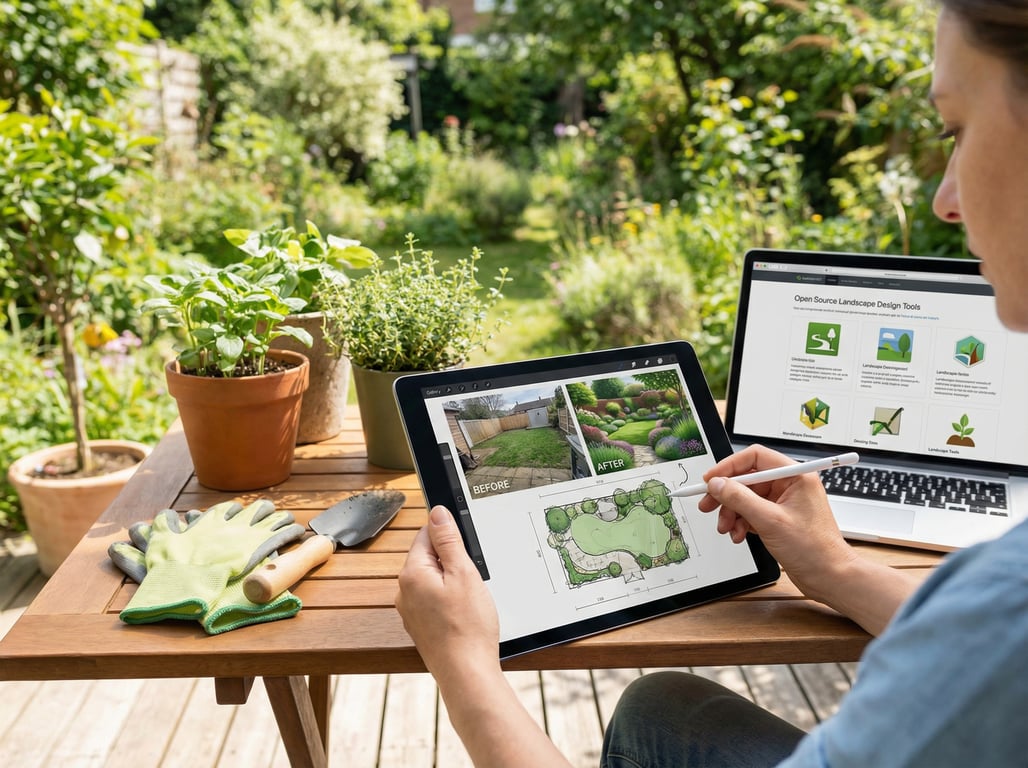
- Free plan (ongoing): A permanently available tier with limits (monthly credits, fewer styles, watermark, lower resolution). Best for ongoing ideation.
- Free trial (time-boxed): Access to paid features for a few days. Great for one-off projects, but you may need a card on file.
- Credits (usage-boxed): You pay or earn credits, then spend them per render. “Free credits” are often a starter pack; once used, exports stop.
Practical takeaway: if you need free AI backyard design concepts every week, prefer an ongoing free plan. If you need a handful of polished images for a listing, a trial can be more efficient.
Common limitations: watermarks, low resolution, limited styles, export rights
Before you invest time, check these “gotchas”:
- Watermarks on downloads (sometimes removable only on paid tiers)
- Low-resolution exports (fine for moodboards, weak for MLS-quality marketing)
- Limited control (no masking/brush tools; less ability to protect existing features)
- Few styles (e.g., only “modern” and “lush,” no drought-tolerant, coastal, etc.)
- Export/licensing restrictions (commercial use may require a paid plan)
If your end goal is real estate marketing, export rights and resolution matter as much as how “pretty” the render looks.
Quick checklist: how to choose a free AI landscape tool
Use this checklist to pick a tool in minutes—especially if you’re comparing a free ai landscape design app vs a web tool.
- Your goal: curb appeal preview, backyard refresh, or “concept alignment” with a contractor
- Input type:
- Photo-based (best for quick before/after visualization)
- Plan-based (better for layout planning, usually not truly free)
- Control options:
- Style presets (modern, traditional, xeriscape)
- Prompt control (materials, plants, season)
- Masking/erase brush for editing specific areas
- Realism: does it keep straight lines, believable shadows, and consistent perspective?
- Output quality: download resolution, watermarking, and file format
- Licensing: can you use outputs for listings/ads, and under what conditions?
- Speed and iteration: how many variations can you generate quickly?
Best for: curb appeal previews vs full landscape planning
- Choose photo-based AI if you need quick “what it could look like” results for sellers, buyers, or internal concepts.
- Choose plan-based tools (often not free) if you need true measurements, drainage grading, hardscape specs, or planting plans.
This page focuses on photo-based outcomes because that’s where “free” is most available.
Input needs: photo-based vs plan-based
Photo-based tools work best with:
- A clear, straight-on exterior shot (front) or a wide-angle backyard shot
- Minimal motion blur and good daylight
- Enough context for scale (fence line, driveway, house corners)
If you’re trying to redesign a full lot from a sketch, expect more friction and fewer truly free options.
Control options: styles, prompts, masking, edit areas
For realistic edits, prioritize tools that offer at least one of the following:
- Area selection/masking (change the lawn and beds without rewriting the house)
- “Keep structure” / “preserve geometry” toggles
- Negative prompts (to avoid pools, extra windows, or random furniture)
A “free” tool that gives you masking can outperform a “paid” tool with fewer controls.
Output: realism, resolution, and licensing for marketing
If you’re producing curb appeal images for marketing, your baseline should be:
- No watermark on downloads (or a clearly allowed unwatermarked export)
- Sufficient resolution for web listing photos (at least ~1500px on the long edge)
- Clear licensing language for commercial use (especially for ads)
Free AI landscape design options (comparison)
There isn’t one best free tool for everyone—because “free” can mean free exports, free credits, or free trials. Instead, compare option types and test them consistently.
If you want broader, non-free options and deeper coverage of the category, see our guide to AI landscape design.
Option types: web tools, mobile apps, design platforms with AI features
- Web tools: fastest to try; often better prompt control; easy to upload listing photos
- Mobile apps: convenient for homeowners on-site; can be limited on export quality
- Design platforms with AI features: may offer better editing/masking, but “free” is commonly credit-based or time-boxed
If your priority is a free AI backyard design refresh concept, mobile apps can be enough. If you need consistent outputs for multiple listings, web tools are usually easier to standardize.
What to test on every tool: same photo, same goal, compare outputs
To avoid being misled by a “best-case” demo image, run a simple A/B test:
- Pick one representative photo (front or backyard).
- Define one goal (e.g., “modern low-maintenance front yard with gravel + shrubs”).
- Use the same prompt and style preset across tools.
- Compare:
- realism (edges, shadows, perspective)
- control (can you isolate the planting beds?)
- export (watermark, resolution)
When “free” is enough: ideation, moodboards, rough before/after
A genuinely useful free tier is often enough for:
- Brainstorming landscape directions (modern vs traditional vs drought-tolerant)
- Seller conversations (“Here are 3 directions in 10 minutes”)
- Quick social posts or internal concept approvals
It’s usually not enough for:
- Final construction plans
- Precise material takeoffs
- High-res, rights-clear marketing at scale
How to get better results from free AI landscape design (step-by-step)
Free tools can still produce impressive outputs if you feed them the right image and constraints.
Start with the right photo (lighting, angle, clutter)
Use this photo checklist:
- Time of day: bright, indirect daylight (avoid harsh noon shadows)
- Angle: keep vertical lines straight; avoid extreme tilt
- Clutter: move bins, hoses, toys, cars if possible
- Resolution: use the highest-quality original (not a compressed screenshot)
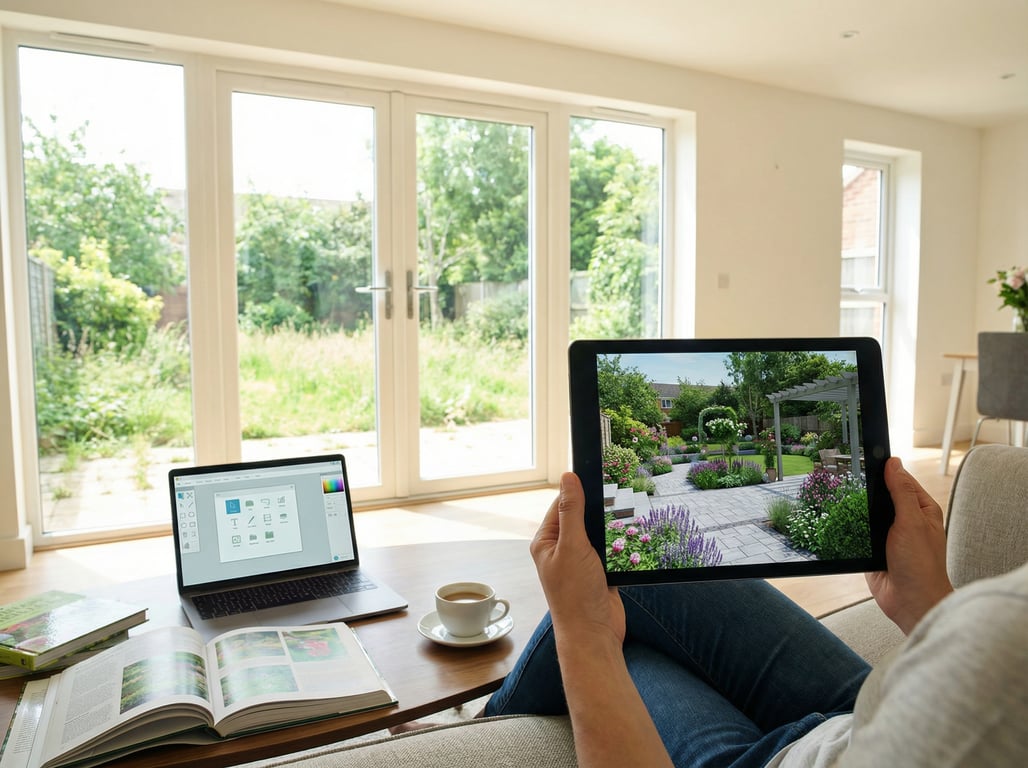
For backyards, a slightly elevated, wide shot that shows fence lines and patio edges gives AI more “anchors” to stay realistic.
Write prompts for realism (materials, plant types, season)
A realistic prompt is specific and grounded in real-world elements:
- Materials: “decomposed granite path,” “concrete pavers,” “cedar mulch,” “river rock border”
- Plants: “boxwood hedges,” “lavender,” “ornamental grasses,” “dwarf olive tree”
- Season: “late spring,” “summer greenery,” “autumn tones”
Example prompt (front yard):
Photorealistic front yard landscape renovation, modern low-maintenance design, decomposed granite, drought-tolerant shrubs and ornamental grasses, clean edging, subtle landscape lighting, keep house unchanged, realistic shadows, natural colors.
If the tool supports it, add a negative prompt:
No pool, no extra windows, no people, no distorted walkway, no text.
Avoid common AI artifacts (warped paths, impossible shadows)
Common issues and how to reduce them:
- Warped walkways/driveways: include “straight lines, correct perspective,” and use masking to protect hardscape
- Floating plants / smeared mulch: specify “defined planting beds” and “clean borders”
- Unreal shadows: specify “consistent lighting direction” and use a source photo taken in even light
- Over-saturated greens: ask for “natural color grading, realistic grass texture”
Also: don’t “over-prompt.” If the model is struggling, simplify to 3–5 key requirements.
Do variations: modern / traditional / drought-tolerant
Instead of chasing the perfect single render, generate a set:
- Modern: geometric beds, gravel, grasses, minimal palette
- Traditional: layered shrubs, defined borders, warmer materials
- Drought-tolerant: xeriscape, native plants, low-water look
This makes free tiers more valuable because you get decision-ready options even with limited credits.
Use cases that map to real estate marketing (high intent)
Free AI landscape design is especially useful when you need speed and clarity more than exact engineering.
Agent listing: curb appeal concepts before a seller invests
- Show 2–4 “possible futures” for the front yard before recommending spend.
- Use visuals to support small, high-ROI actions (mulch refresh, new edging, simplified planting).
- Pair exterior concepts with interior visuals like AI virtual home staging to present a cohesive “move-in ready” story.
Homeowner: compare options for a weekend refresh
A free ai landscape design app can help you decide between:
- gravel vs mulch
- adding a simple path
- replacing patchy lawn with low-maintenance planting
The key is to treat outputs as “directional” and then validate with local plant suitability.
Contractor: align on scope before quoting
AI concepts help reduce scope creep:
- confirm the intended style and materials
- align on which zones change (beds only vs patio + beds)
- identify potential constraints (tree preservation, access paths)
For backyard-specific scenarios and prompts, see our guide to AI backyard design.
Key takeaways
- Match the user’s intent: identify genuinely free options and set expectations about trials/credits.
- Focus on photo-based “after image” outcomes (curb appeal visualization), not professional landscape architecture deliverables.
- Include a simple evaluation rubric (realism, controls, exports) to win SERP snippets and reduce pogo-sticking.
- Add clear internal links to existing related content to establish early topical clusters.
FAQ
Is there a truly free AI landscape design tool?
Some tools offer ongoing free tiers, but they usually come with limits (credits per month, watermarks, or low-res exports). “Truly free” and unlimited is rare.
Can I use AI landscape images for a real estate listing?
Sometimes, but you must check the tool’s license/terms for commercial use and disclosure requirements. When in doubt, label images as “conceptual rendering” and avoid misleading edits.
Why do AI landscape renders look fake (and how do I fix it)?
They look fake when perspective, shadows, and edges don’t match the source photo. Use a cleaner, well-lit photo, specify “photorealistic, consistent lighting,” and mask/protect hard lines like paths and driveways.
What photo angle works best for AI backyard/landscape renders?
Use a wide, eye-level or slightly elevated angle that shows clear boundaries (fence lines, patio edges) and includes stable reference points (house corners). Avoid extreme wide-angle distortion.
Are free AI landscape tools good enough for curb appeal before/after images?
They’re often good enough for ideation and seller conversations. For polished marketing images, you may need higher resolution exports, no watermarking, and clear commercial rights—often a paid tier or trial.