
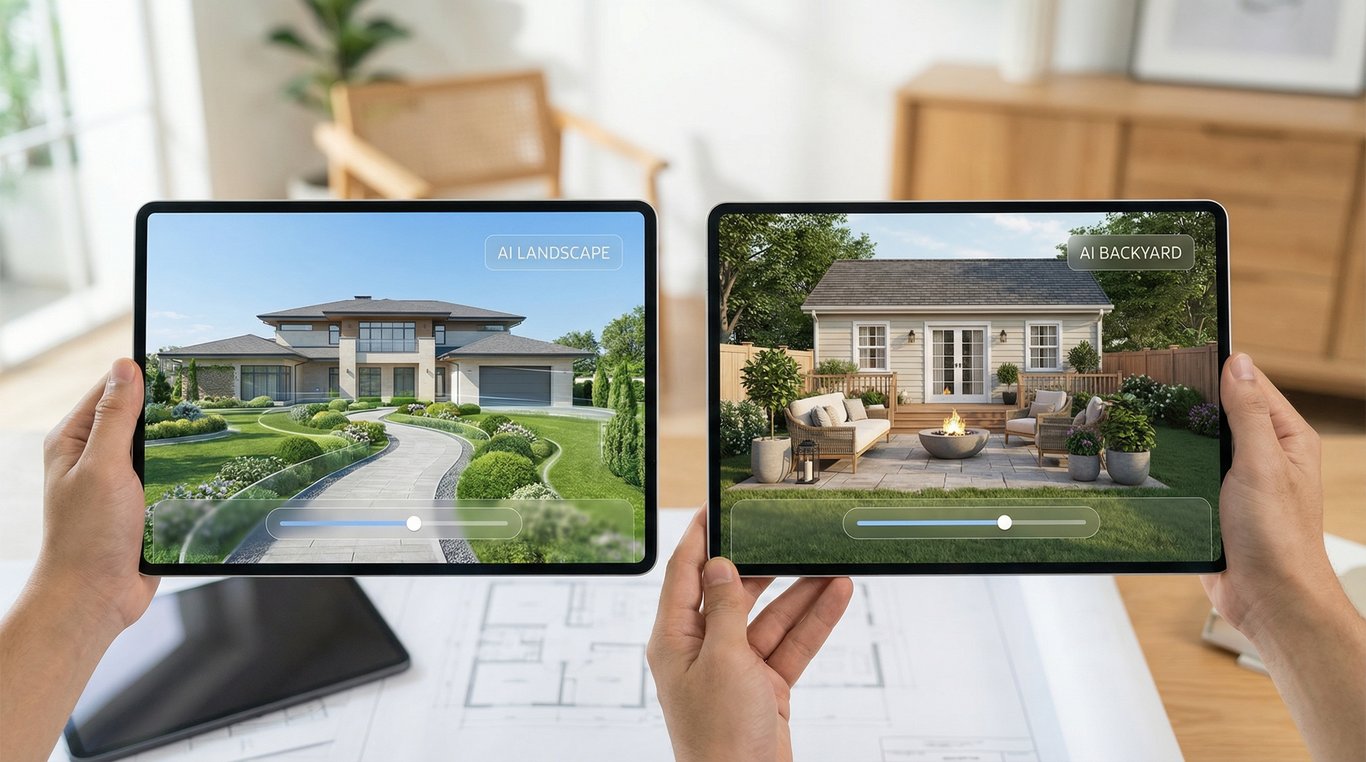

When you’re creating stronger listing photos, “outside” isn’t one category. Front-yard curb appeal and backyard lifestyle sell differently—and that’s why ai landscape design and ai backyard design often produce different-looking, more believable results.
This guide compares both approaches specifically for real estate marketing images: what each term usually means, when to pick one over the other, and how to keep virtual exterior edits realistic (and compliant).
If you’re also improving interiors, the same listing-visual logic applies to virtual home staging with AI: choose the “hero” scenes first, then fill in supporting images.
Quick answer: landscape vs backyard (in one table)
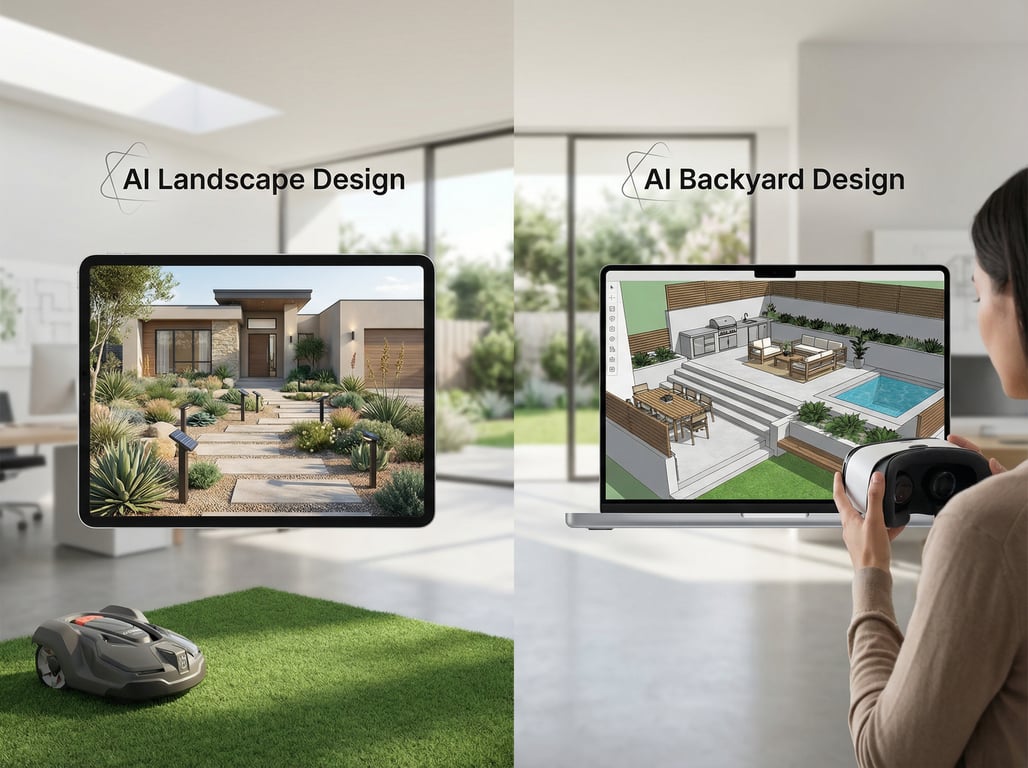
Here’s the fastest way to decide which output you need for a listing. For deeper definitions, see AI landscape design and AI backyard design.
| Category | AI landscape design (listing context) | AI backyard design (listing context) |
|---|---|---|
| Primary goal | Boost curb appeal and first impression | Sell lifestyle, privacy, and outdoor living |
| Typical “hero” photo | Front elevation / street view | Backyard wide shot / patio / pool view |
| What changes best | Planting beds, lawn, lighting, walkways, edging | Patio zones, seating, pergola, firepit, pool concepts, fencing |
| Output type | “Looks cared for” and cohesive exterior style | “Imagine entertaining here” and amenity visualization |
| Biggest risk | Over-stylized front that doesn’t match the home | Adding amenities that imply construction/permits |
Scope (front yard vs whole property)
For listing visuals, landscape usually centers on the front elevation and approach: lawn, planting beds, driveway edge, walkway, porch framing, and entry lighting.
Backyard is usually the usable space behind the house: patio/deck areas, privacy lines, and how the yard functions for relaxing and entertaining.
Typical edits (planting, hardscape, lawn, lighting)
- Landscape-first edits: mulched beds, shrubs, seasonal color, pathway material refresh, subtle landscape lighting.
- Backyard-first edits: defined seating areas, outdoor kitchen “zones,” pergola shade, privacy screens, firepit circle.
Tip: keep edits to what can plausibly be done as cosmetic upgrades. AI that “moves” the house, changes rooflines, or adds a second story crosses into misleading territory for most listings.
Best listing scenarios
- Choose landscape-first when the listing’s first photo is a front elevation, and the yard looks sparse, patchy, or dated.
- Choose backyard-first when the home targets families/entertainers and the outdoor living potential isn’t obvious in the raw photo.
Common pitfalls (scale, shadows, seasonality)
The most common “AI tells” in exterior renders:
- Scale errors: oversized pavers, tiny doors, or furniture that doesn’t fit the space.
- Shadow conflicts: new pergolas or trees without matching shadow direction.
- Season mismatch: bright summer turf in a leaf-off winter neighborhood.
If you see these, simplify the prompt/output request and keep changes incremental.
What ‘AI landscape design’ usually means
In real estate marketing, AI landscape design usually means creating a front-yard curb appeal concept from a real photo—fast enough to use as an alternate hero image or a “potential” visual.
Front-yard curb appeal concepts
Common listing-driven goals include:
- Make the entry feel welcoming (visual path to the door)
- Add low-maintenance color and structure (beds that frame the home)
- Make the property look “maintained” (clean lawn edges, fresh mulch)
Example scenario: a great house with a flat lawn and no planting. A light bed + a few shrubs can communicate value without implying major construction.
Driveway/walkway and planting bed changes
AI landscape concepts often focus on:
- Walkway material refresh (pavers vs plain concrete)
- Driveway edge definition
- Bed lines and mulch/gravel
For believability, keep hardscape changes modest. A brand-new, curved paver walkway can look fake if the existing photo shows a straight path with fixed steps.
Style presets (modern, farmhouse, Mediterranean, etc.)
Style presets can help align exterior visuals with interior staging style:
- Modern: clean lines, structured grasses, minimal color
- Farmhouse: softer beds, hydrangea-like massing, warm lighting
- Mediterranean: drought-tolerant textures, gravel, terracotta tones
Best practice: match the home architecture. A hyper-modern planting scheme on a traditional colonial can feel disconnected.
When it helps most for listings
Landscape-first is usually the highest ROI when:
- The first impression is weak (bare beds, weeds, patchy lawn)
- The entry is hard to read from the street
- The photo is good but “flat” (no visual framing)
What ‘AI backyard design’ usually means
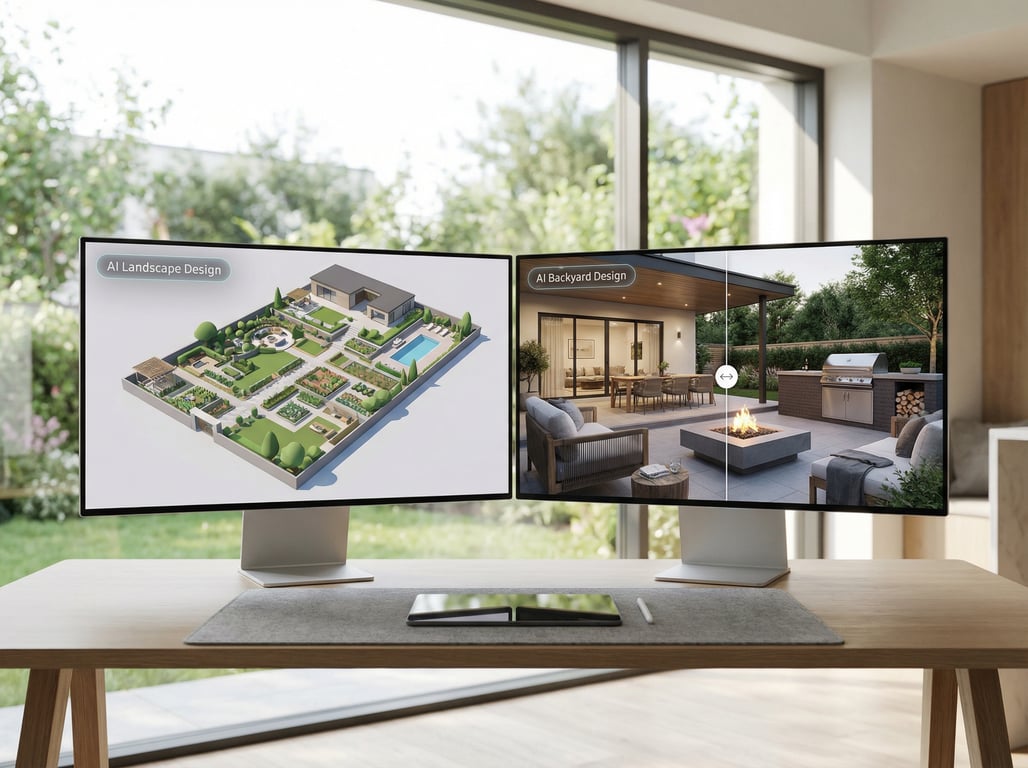
AI backyard design usually means visualizing how the backyard could function as an outdoor living area. In listings, that’s less about “perfect plants” and more about zones and amenities.
Outdoor living zones (patio, pool, pergola, fire pit)
Backyard concepts typically add or clarify:
- Seating and dining zones (so buyers understand scale)
- Shade structures (pergola, umbrella, covered patio)
- Focal points (firepit, string lights)
For real estate photos, the most believable outputs are “soft additions” (furniture, planters, lighting) that don’t require major grading or excavation.
Privacy and fencing concepts
Privacy is a top buyer concern, so AI backyard visuals often explore:
- Fence styles (wood vs modern horizontal vs hedging)
- Screening plants along boundaries
- Layout that creates separation from neighbors
Caution: avoid showing a new fence if the boundary is unclear in the photo, or if local rules/HOA restrictions may apply.
Entertainment/amenities visualization
This is where backyard-first shines:
- “Empty concrete slab” becomes a staged patio
- “Unused corner” becomes a grilling area
- “Large blank lawn” becomes a play + lounge division
When it helps most for listings
Backyard-first is usually best when:
- The interior is updated, but outdoor space looks underutilized
- The home is positioned as lifestyle-forward (hosting, family, retreat)
- The listing has a view (water, woods) that needs framing with a simple seating concept
How to choose for a real estate listing (decision checklist)
Use this checklist to avoid generating the wrong kind of images (or too many).
If the hero photo is the front elevation → landscape-first
Choose landscape-first when:
- Your first MLS photo is the front of the home
- Curb appeal is the main objection (looks dated, barren, or messy)
- You need a stronger “scroll-stopping” thumbnail
Deliverable idea: 1–2 variations of the same front photo (clean, believable, consistent architecture).
If buyers care about entertaining space → backyard-first
Choose backyard-first when:
- The neighborhood/price point suggests outdoor living matters
- There’s an existing patio/deck that feels empty on camera
- Privacy is a concern you can address visually (screens, defined zones)
Deliverable idea: a single “outdoor living” hero image that clearly shows a dining or lounge zone.
If the lot is awkward/shaded → do both, but separate images
Do both when:
- Front looks fine but backyard is confusing (or vice versa)
- The yard has unusual grade/shade and needs clearer use cases
Important: keep them as separate, clearly labeled visuals (front concept vs backyard concept). Mixing major changes across many angles can make the listing feel inconsistent.
Budget/time: concept images vs renovation-ready plans
- Concept images are ideal for listing marketing: fast, visually persuasive, not meant for permitting.
- Renovation-ready plans usually require measurements, site constraints, and local code knowledge that AI visuals don’t reliably provide.
If you need contractor-ready documents, treat AI images as inspiration and hand them off to a landscape designer/architect for a scoped plan.
Best practices for believable before/after exterior images
Real estate visuals need to look plausible in a single glance. Use these rules to reduce “AI weirdness” and buyer distrust.
Use the highest-resolution daylight photo
Best inputs:
- Bright overcast or gentle sun (minimal harsh shadows)
- Clear view of ground plane (lawn/patio) and key edges
- Minimal motion blur (trees, grass)
Avoid:
- Night shots (lighting becomes inconsistent)
- Extreme wide-angle distortion (AI tends to warp lines)
- Heavy HDR halos (AI exaggerates them)
Keep camera angle consistent across variations
If you generate multiple options, keep:
- Same original photo
- Same crop
- Same horizon/verticals
This helps viewers compare changes without feeling like the “before” and “after” are different properties.
Respect climate/region (plants/materials)
Believable landscaping matches what grows locally:
- Use region-appropriate trees and shrubs
- Keep turf color consistent with the season
- Choose materials common to the neighborhood
If your AI output adds tropical plants to a cold-climate neighborhood, buyers notice.
Avoid unrealistic structural changes
To stay within typical “visualization” boundaries, avoid:
- Moving windows/doors
- Changing roof shape or footprint
- Adding a second driveway cut
Stick to cosmetic exterior improvements: planting, edging, lighting, furniture, and surface refresh.
Disclose ‘virtually renovated’ where required
Rules vary by MLS and jurisdiction, but best practice for agents/brokers is to:
- Label images that are altered or “conceptual”
- Avoid edits that materially misrepresent size, boundaries, or permanent features
When in doubt, disclose. It protects you and preserves buyer trust.
Free vs paid tools: what ‘free’ really gets you
Searching ai landscape design free options makes sense—until you need clean, compliant outputs for MLS, brochures, or ads. Here’s what “free” typically means in practice.
Watermarks, lower resolution, limited styles
Free tiers commonly limit:
- Export resolution (fine for drafts, weak for marketing)
- Number of variations
- Style selection consistency
- Removal of artifacts (extra shadows, odd plants)
If you’re comparing providers, start with these free AI landscape design options and evaluate export quality against your actual listing needs.
Commercial usage considerations for agents/brokers
Before using free tools in a listing:
- Check terms for commercial usage rights
- Confirm you can use images in paid ads and printed materials
- Confirm whether attribution is required
If usage rights are unclear, avoid publishing the output.
When upgrading matters (MLS, brochures, ads)
Consider paid tools when you need:
- High-resolution exports without watermarks
- More consistent results across multiple angles
- Faster iteration to hit a “believable” look
A practical rule: if it’s going into an MLS gallery, featured brochure, or paid campaign, you want the cleanest export and clearest licensing.
Key takeaways
- Position both terms around listing visuals: quick concepting for curb appeal and outdoor living areas.
- Add a comparison table early to help buyers/agents choose fast.
- Use a checklist to decide which to generate first based on the hero photo and buyer priorities.
- Keep compliance/ethics in mind: disclose virtual alterations and avoid misleading structural changes.
- Stay vendor-neutral and focus on outcomes: believable, consistent, market-ready images.
FAQ
Is AI landscape design accurate enough for renovation planning?
Not by itself. AI landscape design is best for concepts and marketing visuals. For renovation planning, you still need measurements, drainage/grade considerations, and local requirements.
Should agents disclose AI-edited yard images in listings?
Yes in most cases, and it’s best practice even when not explicitly required. Label concept images as “virtually renovated” or similar and avoid edits that materially misrepresent the property.
Can AI backyard design add a pool or patio realistically?
It can look realistic in a single image, but it may ignore setbacks, grading, and permit constraints. For listings, keep it clearly conceptual and avoid implying the amenity already exists.
What photo works best for AI exterior visualization?
A high-resolution daylight photo with clear edges and minimal harsh shadows works best. Keep vertical lines straight and avoid extreme wide-angle distortion.
Are free AI landscape design tools okay for commercial listing use?
Sometimes, but check licensing carefully. Free tools may add watermarks, restrict commercial usage, or limit resolution—often making them unsuitable for MLS or paid advertising.